What it is for
Most of what we sell comes in a dozen or more colors, and the question is rarely "is this a nice blue" but "does this blue go with that rust". Opening two tabs and flicking between them does not answer it. The Color Board holds the colors you are weighing up and lets you push their photos together, on a background of your choosing, until the combination looks right — then buy from it without going back to the pages.
The colors can come from different yarns and different brands. A Malabrigo body with a Noro trim is a board like any other.
Putting a color on the board
Every yarn colorway that has its own photo carries a small palette mark. Tap it and the color is on the board; tap it again and it is off.
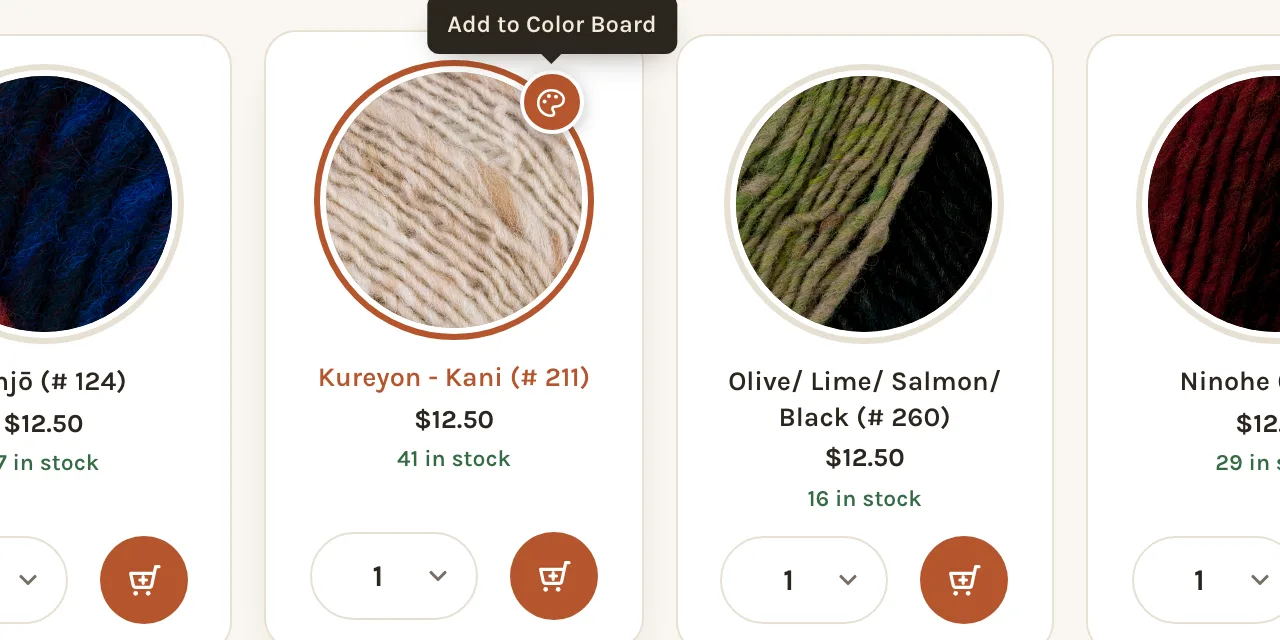
- On a yarn's page — the one that lists all its colors — the mark appears on each color's card when you move the mouse over it. On a phone it sits in the top-right corner of every card.
- On a color's own page, the mark is in the corner of the big photo, and on each of the small color rounds beneath it.
- In search results and filtered listings, it appears on a card when you point at it.
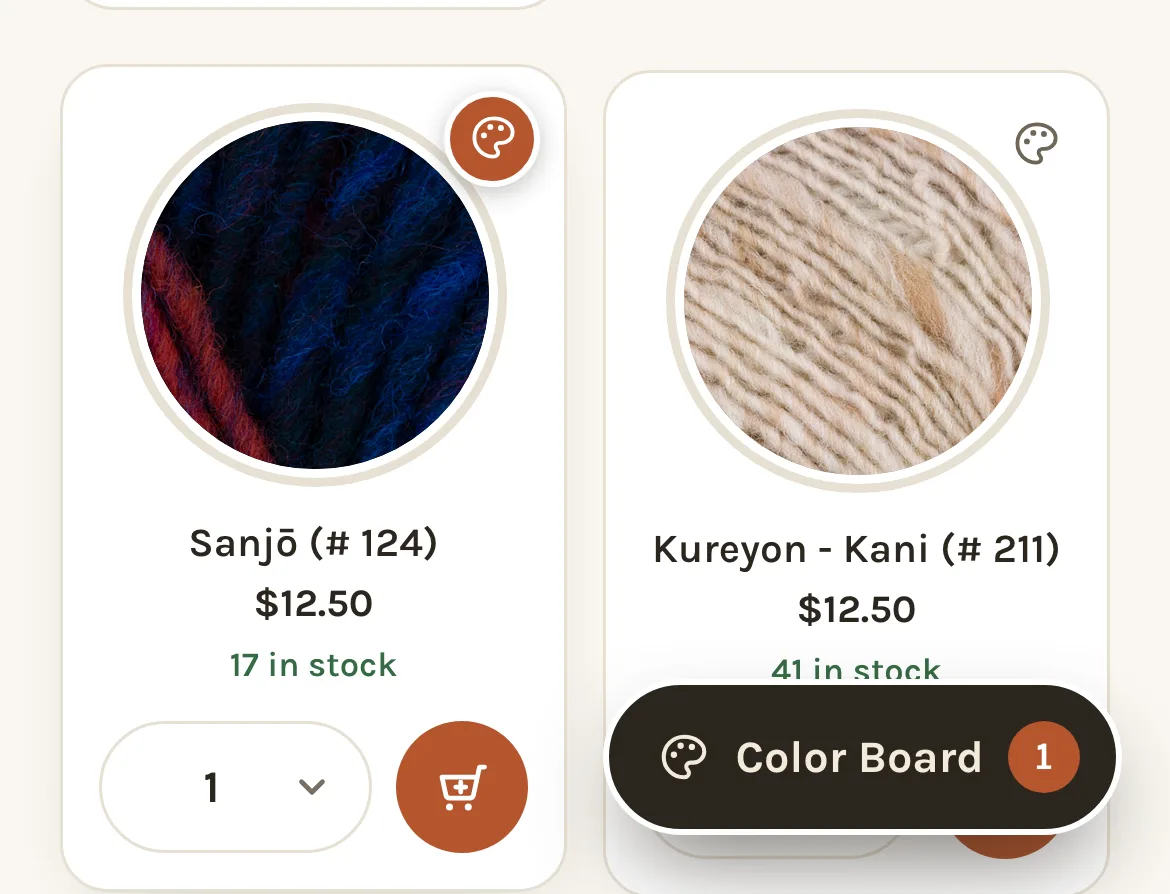
The board holds twelve colors. When it is full, the marks on colors not yet picked go grey until you take something off.
A color that is out of stock can still go on the board — it may be back — but it cannot be bought from there until it is.
Opening the board
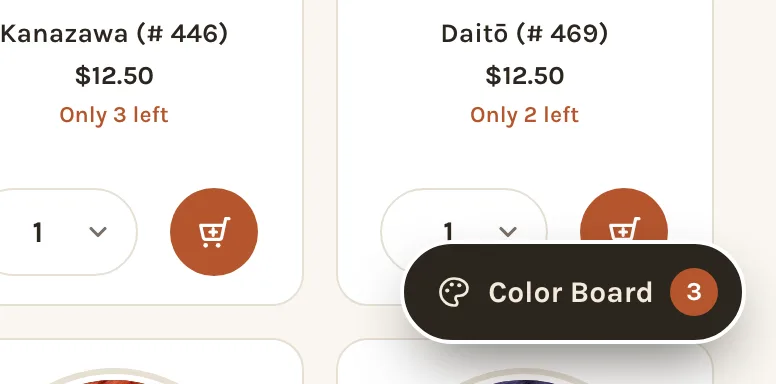
As soon as one color is on the board, a Color Board button with a count appears at the bottom right of every page. It stays there while you browse, so you can pick a color on one yarn, open another, pick again, and open the board when you are ready. Tap the button to open it; tap it again, or the ✕, to close.
On a computer the board is a window that floats over the page. You can drag it by its title bar and keep browsing behind it — a color picked while it is open lands on it as you watch. On a phone it fills the screen.
Arranging colors
Each color is its photo, cropped to the yarn. Drag a photo anywhere on the board, butt two together, overlap them, line up a stripe sequence. Where you leave things is remembered.
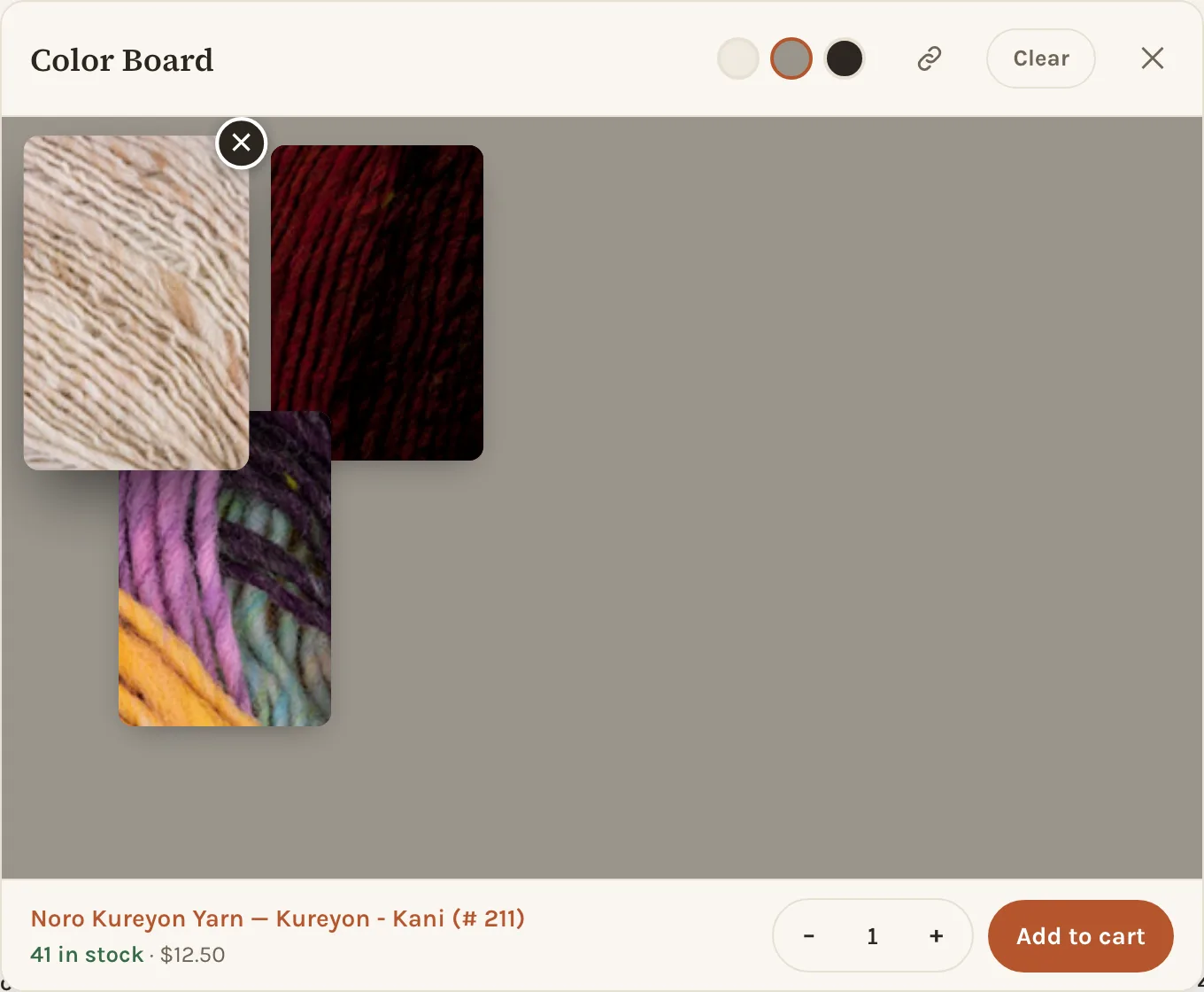
Three dots in the title bar change the ground: a warm off-white, a mid grey and a charcoal. A pale yarn disappears on white and a dark one on black, so try more than one before deciding. The grey is the default because it is fair to both.
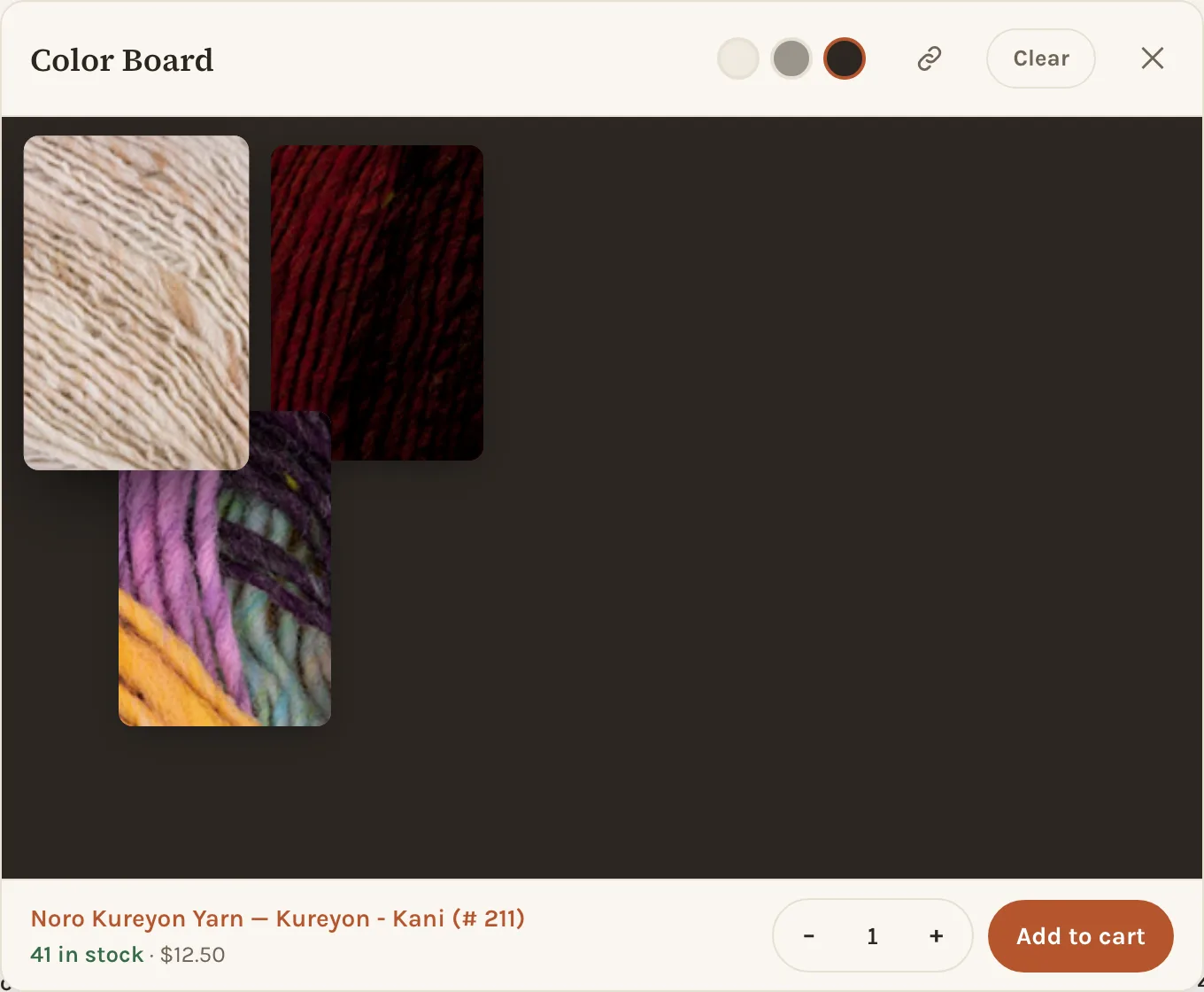
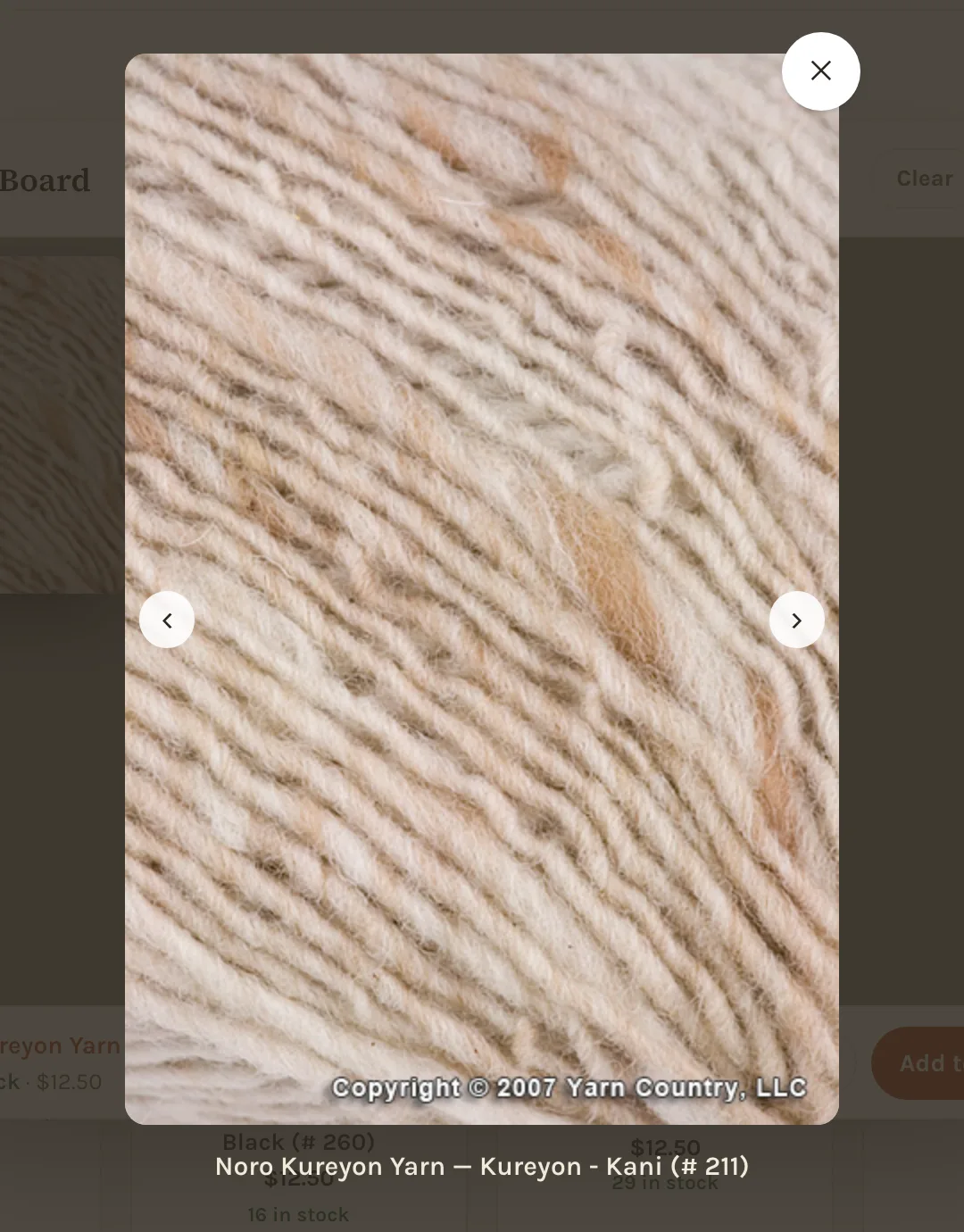
Tap a photo (or hover over it) and the line at the foot of the board names it, with the stock count and the price. Tap the selected photo a second time to see it big, with arrows to step through the rest of the board.
Buying from the board
The line at the foot of the board is also where you buy. With a color selected, pick a quantity and press Add to cart; the cart opens as it does anywhere else. The stock count is refreshed each time the board opens, so a number you saw yesterday is checked before you can rely on it.
Taking colors off
The ✕ on a photo removes that color. Clear in the title bar empties the board. Both show an Undo for a few seconds, which puts everything back where it was.
What the board remembers
The board lives in your browser, on this device. It survives closing the tab and coming back tomorrow, and it does not need an account. It does not follow you from a phone to a laptop — for that, use the share link below.
Sharing a board
The link icon in the title bar — Share this board — copies a link (or, on a phone, opens the share sheet). Anyone who opens the link gets the same colors on their own board, laid out from the current catalog, so a friend, a knitting group or a designer can look at the combination you are weighing up and reply with theirs. The link carries only which colors; where you placed them is yours.
Where it is useful
- Body and trim. Put the main color in the middle and try each candidate trim against it.
- Stripes. Line the photos up in the order they will be knitted and judge the rhythm, not just the pairs.
- Colorwork. Contrast matters more than hue: set the two colors on the charcoal ground and squint — if they merge, the pattern will.
- Matching something you own. Pick a few candidates, open the board on your phone next to the garment, and compare in the same light.
Photos are a close representation, not a promise: screens differ and hand-dyed lots vary. If the exact shade matters, ask us and we will describe it in the room.